Being creative in the way we use our tools
The Magic Pen
Sometimes, the best exploration comes from simply providing the time and opportunity for it.
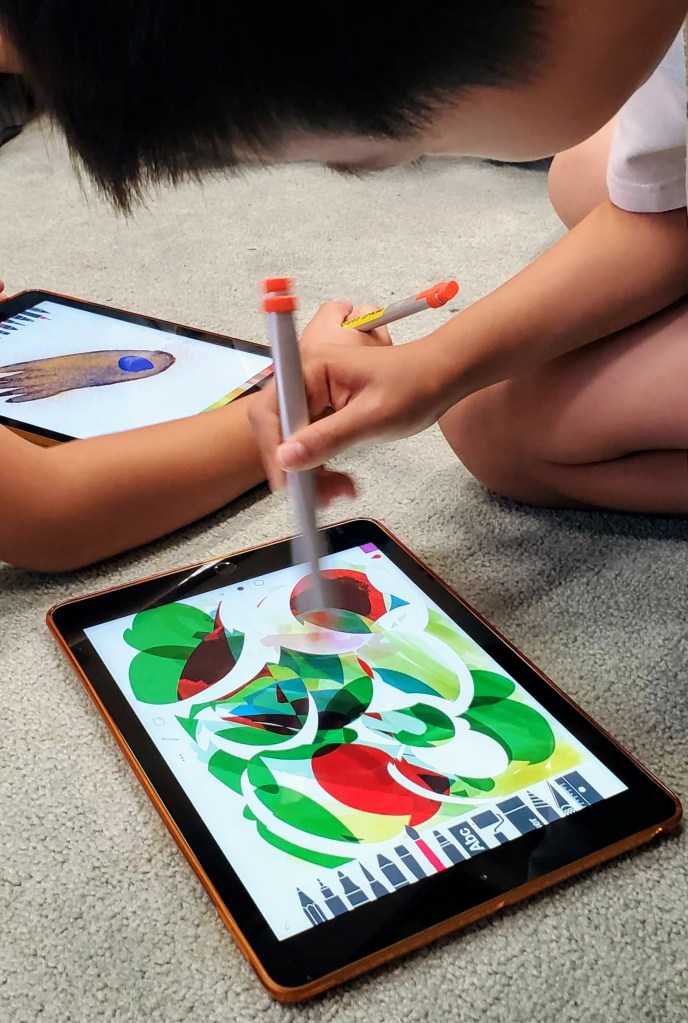
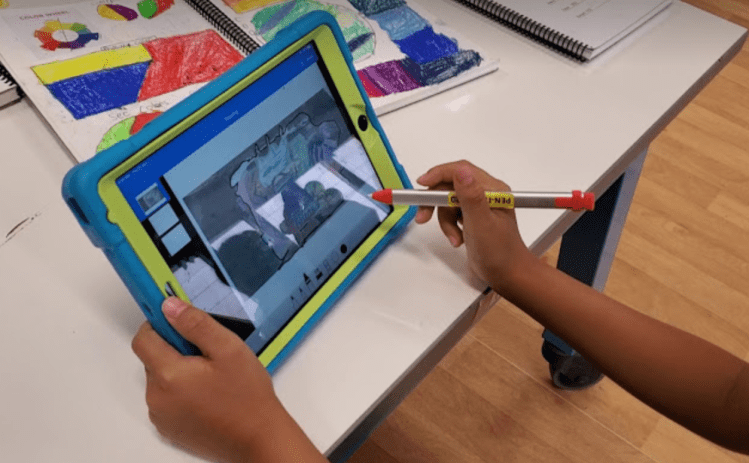
A fun and very useful tool recently explored is the #logitech crayons….which students quickly dubbed as the “Magic Pen”.
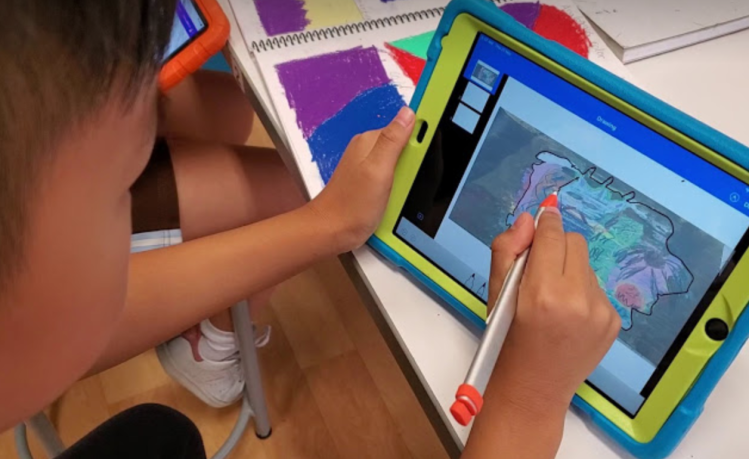
Here, students explored Tayasui Sketches School to create a fantasy creature for an art project.


Keynote Animation – Pop Art Me!
This is a terrific way for students to see how photographs can be manipulated to create animated digital art.
Students created a pattern, traced and copied it multiple times to cover the background of a new Keynotes page. Students apply a colour theme; in the example below, a gradation colour scheme was applied. Students applied animation to create movement of the patterns.
Students upload a photo of self. By reducing the opacity of the image, students can more easily trace and create a contour outline. The image is then deleted afterwards and students fill in the spaces with bright colours and patterns. Adding the animation tool of ‘line drawing’ will create a video animation of this process.

3D Printing
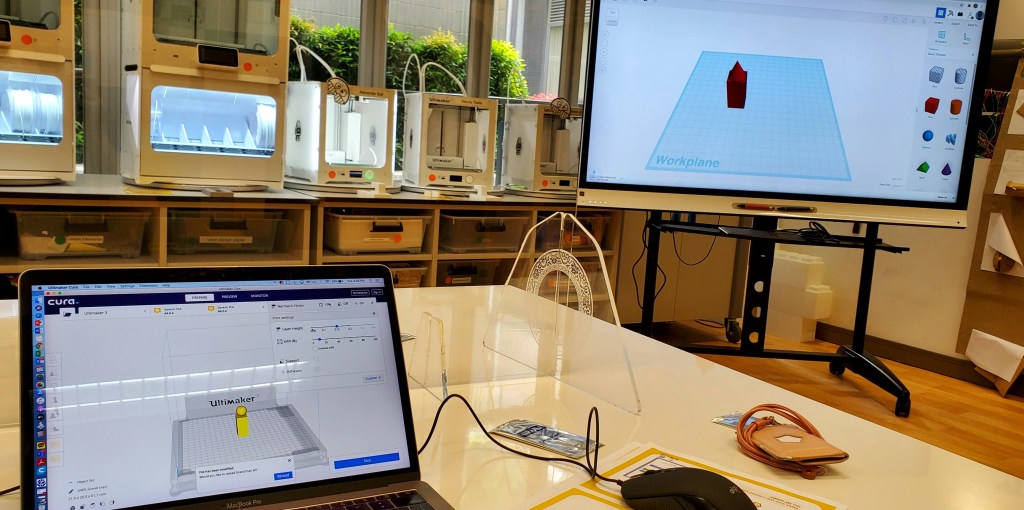
Development in technology has made creative work limitless. Here, we are exploring 3D Printing with Tinkercad.
Engraving and Laser Cutting
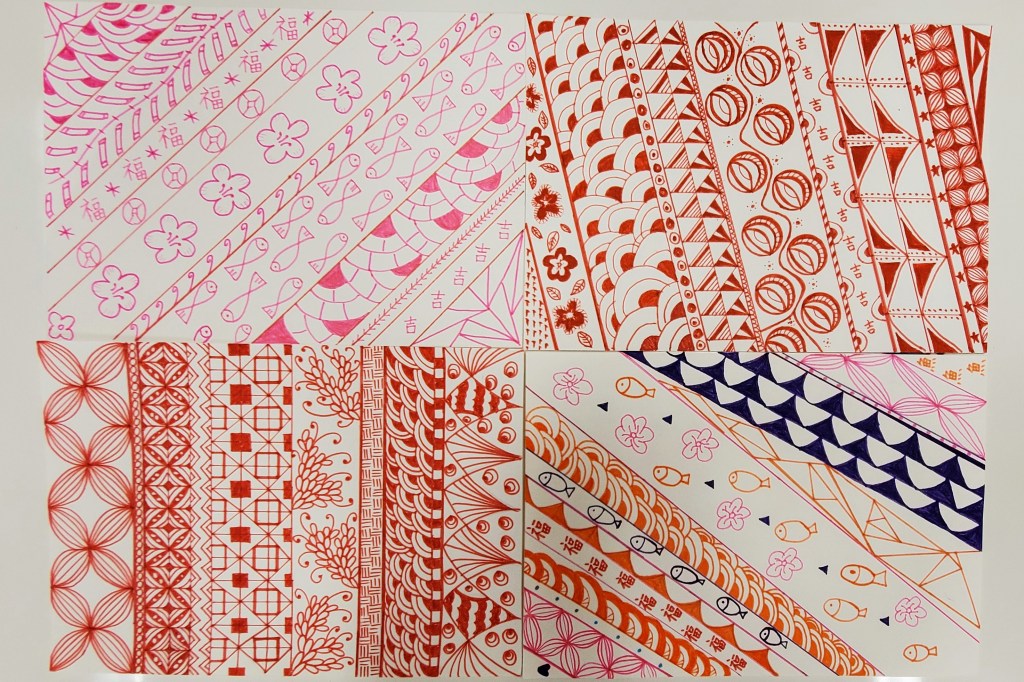
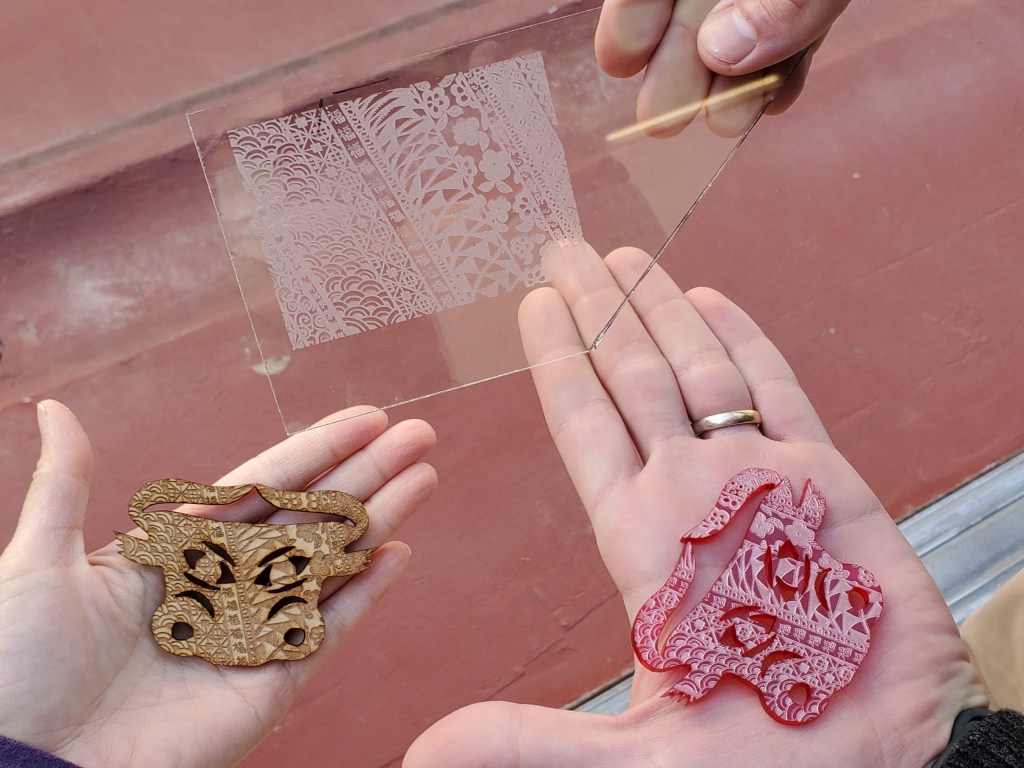
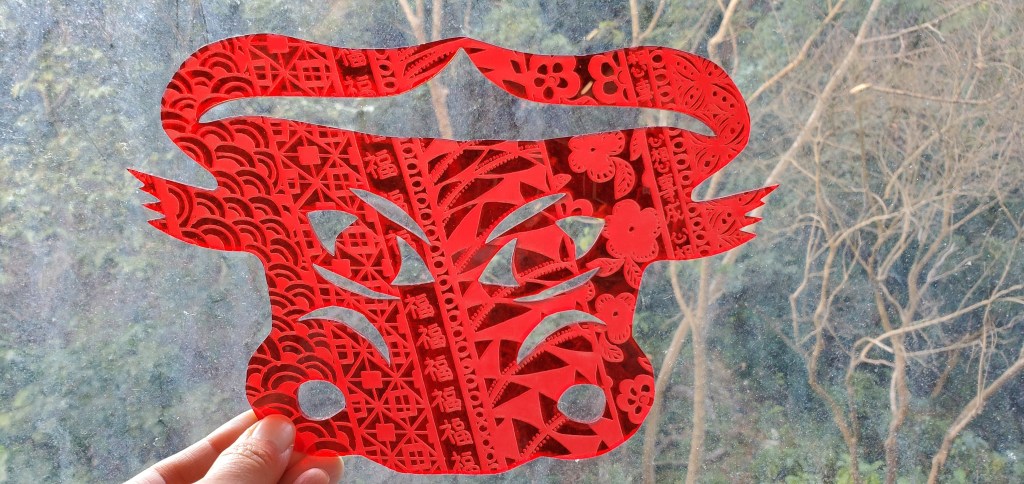
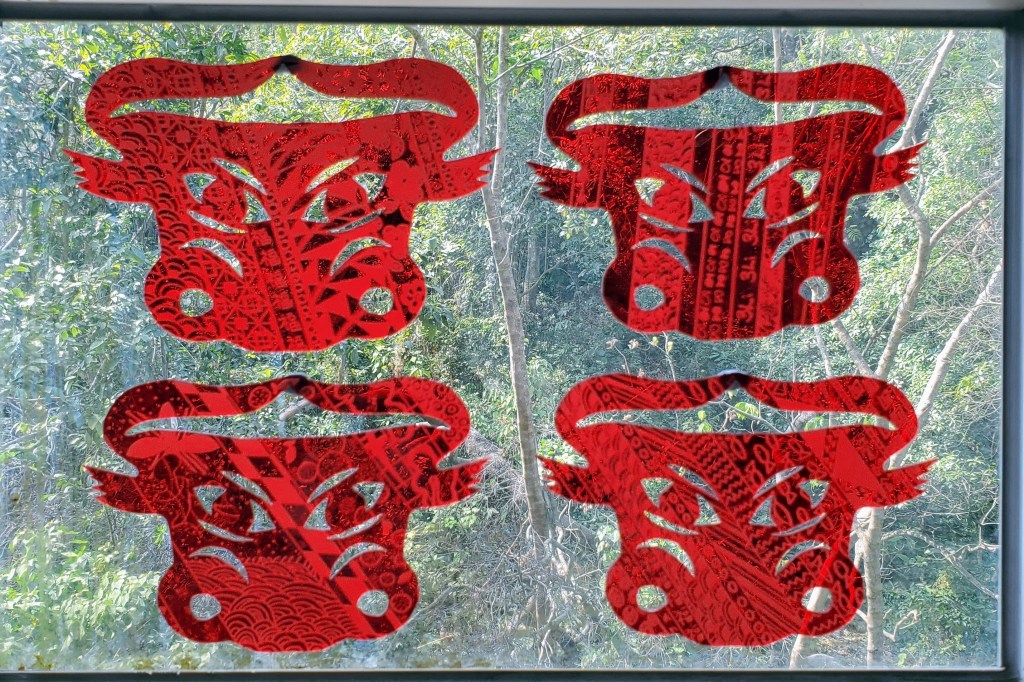
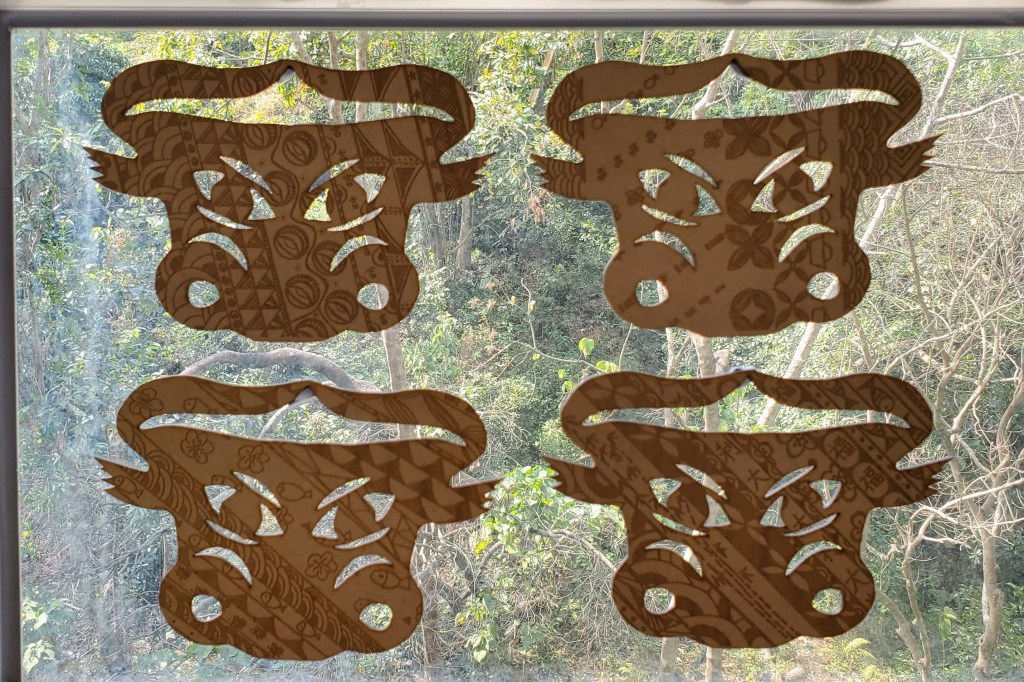
Explored ways to extend students’ beautiful Lunar New Year pattern designs to integrate technology and maximize learning. First time using the laser cutter! There were options for wood or red acrylic for students; while a fellow colleague got intrigued with glass etching. First time for everyone using the laser cutter…A successful Makerspace experience all of us!

 msmonica